SAFE SWIM
For pools with lifeguards on duty
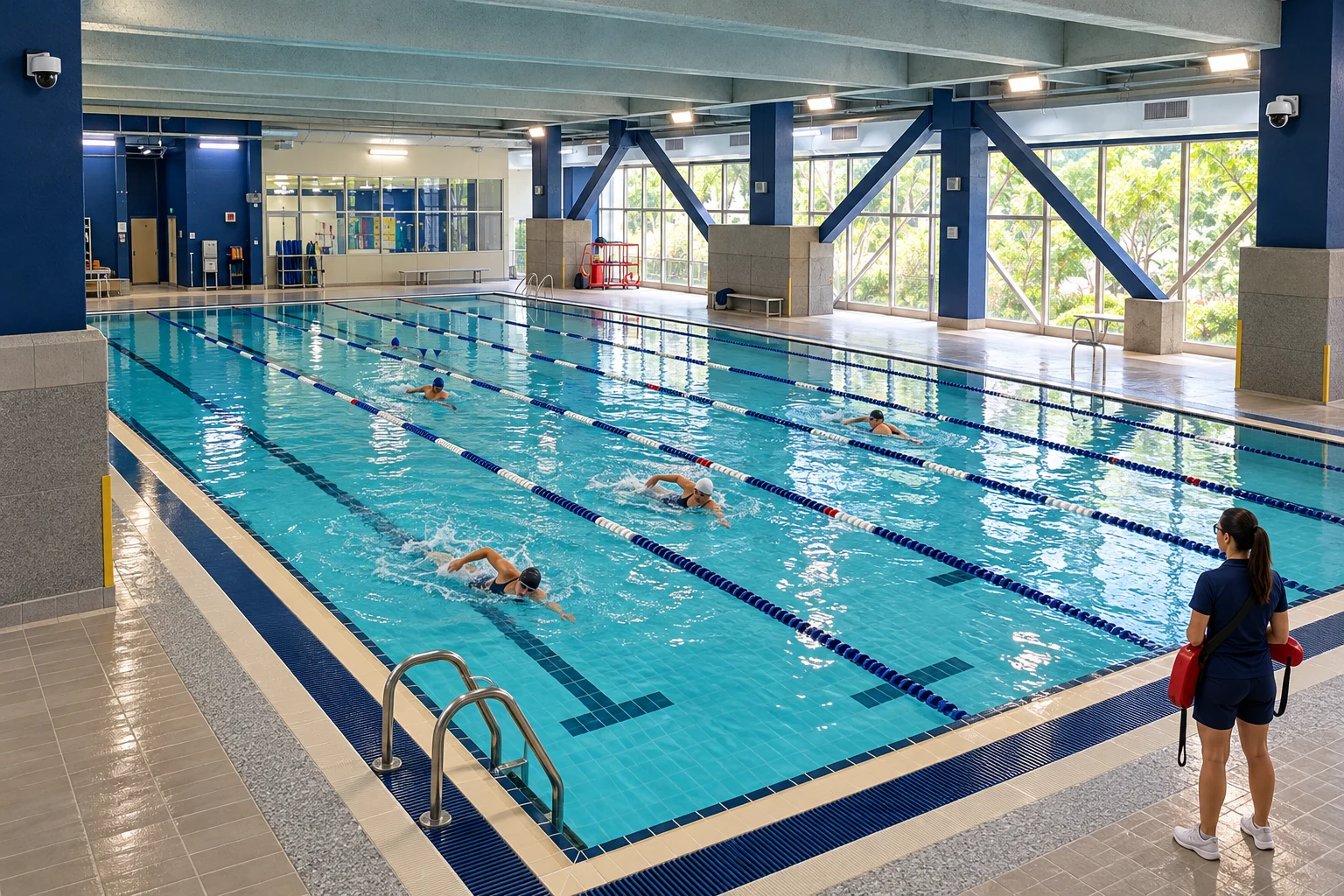
Give lifeguards another view of the pool, with camera-based analysis and alerts connected to their daily response workflow.
Explore the solution ↗
SAFE SWIM · SOLUTIONS
SAFE SWIM Guard and Zone connect camera-based AI, event alerts and the people who respond.
Find your environment
Give lifeguards another view of the pool, with camera-based analysis and alerts connected to their daily response workflow.
Explore the solution ↗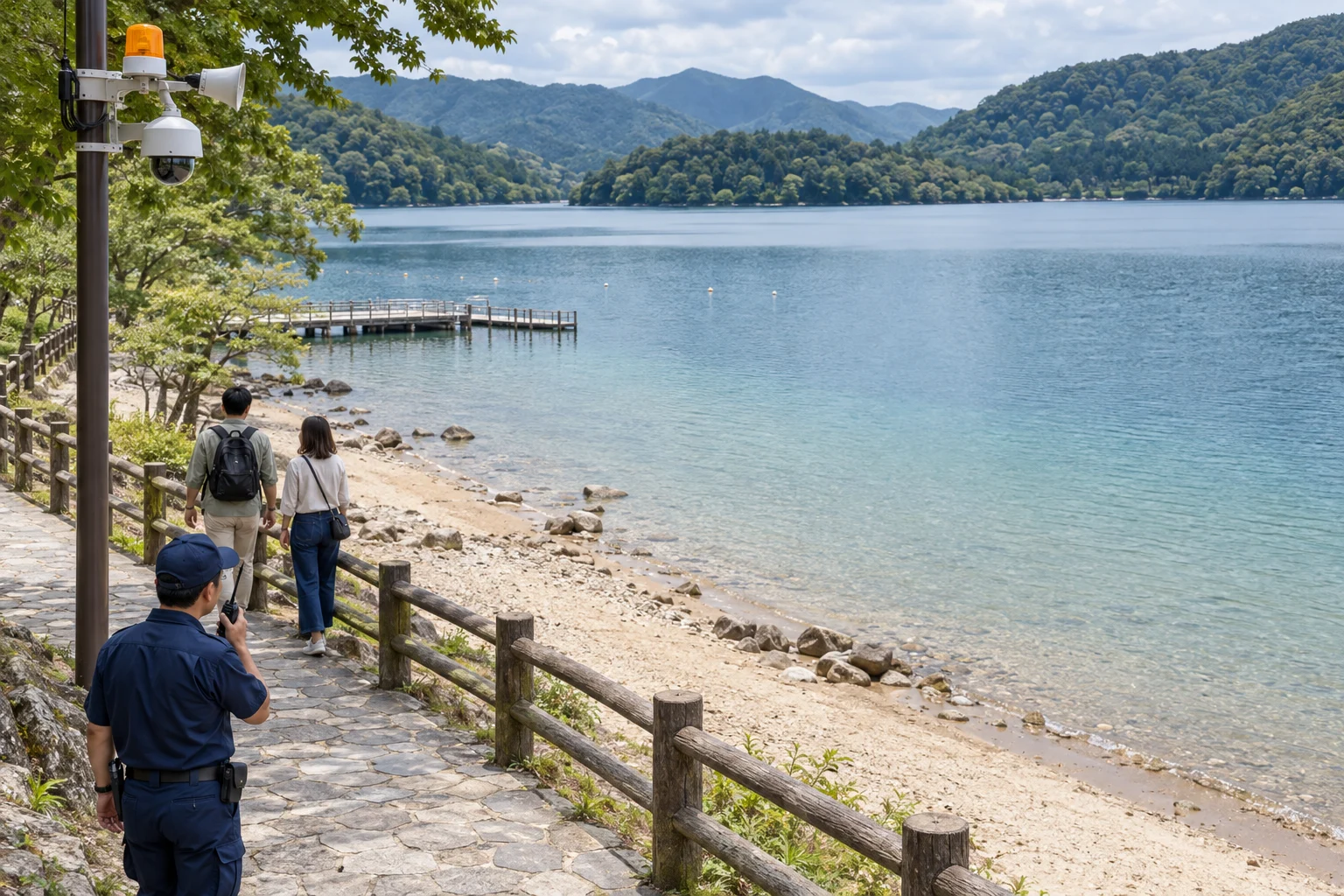

Connect shoreline monitoring, configured warning zones and notifications to the people responsible for the site.
Explore the solution ↗SAFE SWIM Guard
Give lifeguards another view of the pool, with camera-based analysis and alerts connected to their daily response workflow.
123SAFE SWIM Guard adds another layer of support for lifeguards. It continuously monitors the pool and helps identify potential risks when their view is obstructed or their attention is diverted.
The system can detect abnormal conditions such as drowning, long periods of inactivity, etc. within tens of seconds and immediately send out an alarm, instantly notifying management personnel and lifeguards to ensure prompt action.
Regardless of the pool's size, shape, or complexity, SAFE SWIM Guard can simultaneously monitor multiple areas and swimmers, with no limit on the number of users, providing comprehensive safety coverage.
In addition to standard pools, this system is also suitable for water parks, fitness center pools, school pools, rehabilitation pools, and other venues that require professional water safety management.
The system operates automatically around the clock, reducing dependence on human monitoring and minimizing safety risks caused by fatigue or negligence.
SAFE SWIM Zone
Connect shoreline monitoring, configured warning zones and notifications to the people responsible for the site.
123Through virtual electronic fences, SAFE SWIM Zone can proactively detect and warn individuals approaching dangerous water areas, preventing accidental drownings.
The system combines abnormal entry detection and swimmer tracking, ensuring continuous monitoring of individuals both in and out of the water. Once someone approaches or enters the water, the system immediately triggers an alert.
When someone approaches a restricted area or a drowning incident occurs, the system instantly issues alerts via visual (e.g., warning lights) and audible (e.g., alarm sounds) signals, and notifies nearby staff, security, or rescue teams to ensure a timely response.
SAFE SWIM Zone effectively compensates for the blind spots of traditional surveillance equipment. Even if individuals do not cross the set boundaries, the system can still accurately detect anomalies, providing more comprehensive protection.
In addition to natural open water areas, the system is also applicable to man-made lakes, ornamental pools, and waterfront facilities in urban public spaces, preventing children or the public from accidentally approaching dangerous water zones.
The system's presence increases public awareness of water safety, offering real-time warnings to remind people to stay safe and avoid dangerous areas.
SAFE SWIM · WORKFLOW
A clear handoff at each stage keeps technology connected to the people who act.
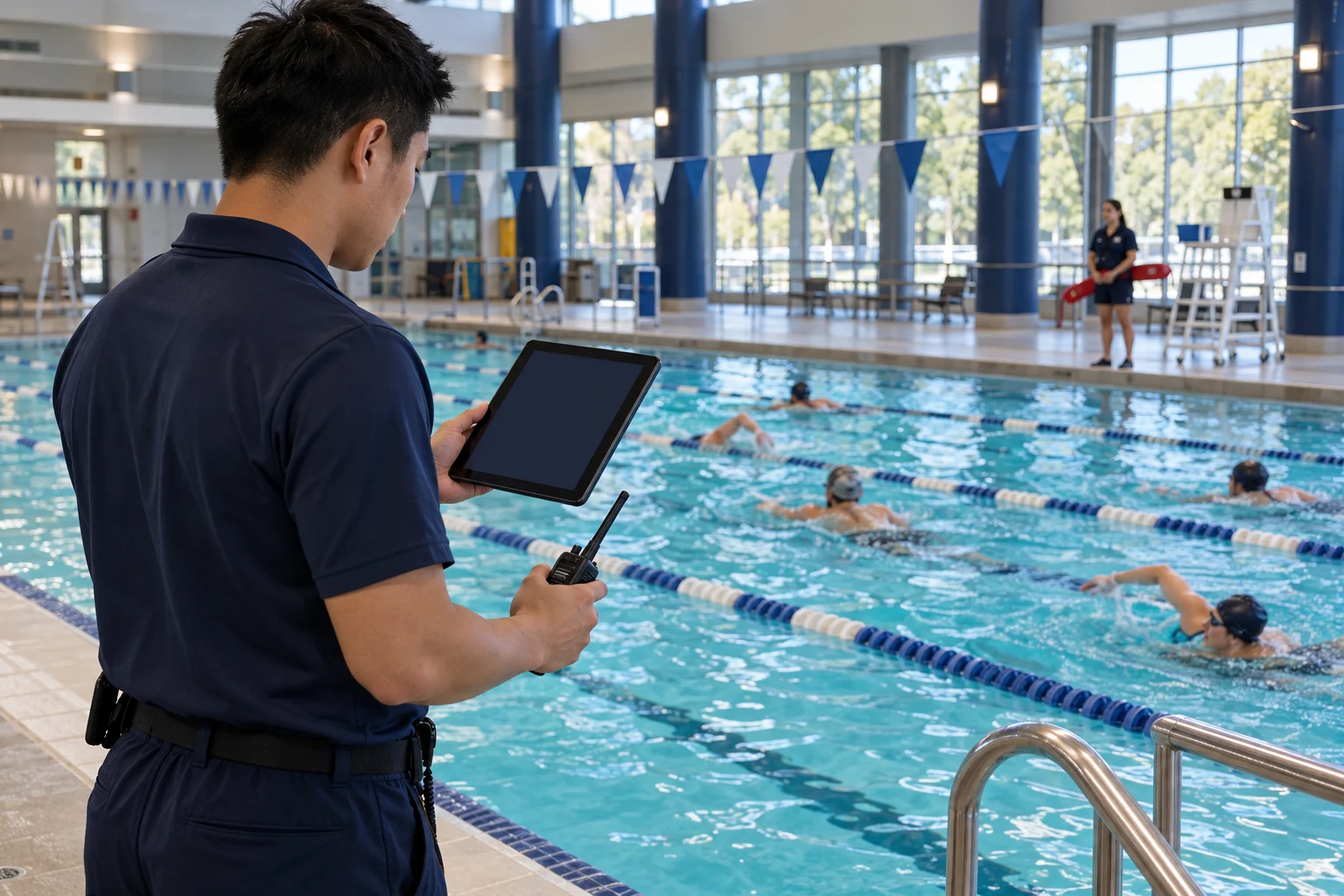
Camera views support analysis of swimmer activity.
Configured abnormal events trigger the alert workflow.
Location information guides the assigned staff.
Staff check the water area and follow the response procedure.
Camera coverage → AI analysis → Staff workflow
Review wind, water movement, lighting, teaching equipment and swimmer routes before choosing camera views and warning settings. Use representative operating scenarios to calibrate the deployment.
Read the FAQ ↗Cross-view tracking and configured monitoring zones connect camera observation to event location. Staff follow a shared procedure for checking the water area and closing the alert. Test the selected notifications at real staff positions and representative operating noise.
Read the FAQ ↗Review existing cameras first, then specify equipment, software, installation, training, maintenance responsibilities and ongoing service terms in the site proposal.
Read the FAQ ↗